Optimize Rhino's relatively unmodifiable jewelry modeling approach, making it easier for novices to get started.

JFR provides a variety of tools for plotting curves, which greatly improves work efficiency.

Tools for efficient model creation and the ability to modify.

Call up various shapes of gemstones in one click from the gemstone library

Supports saving and importing Rhinoceros and JewelCAD files at any time.
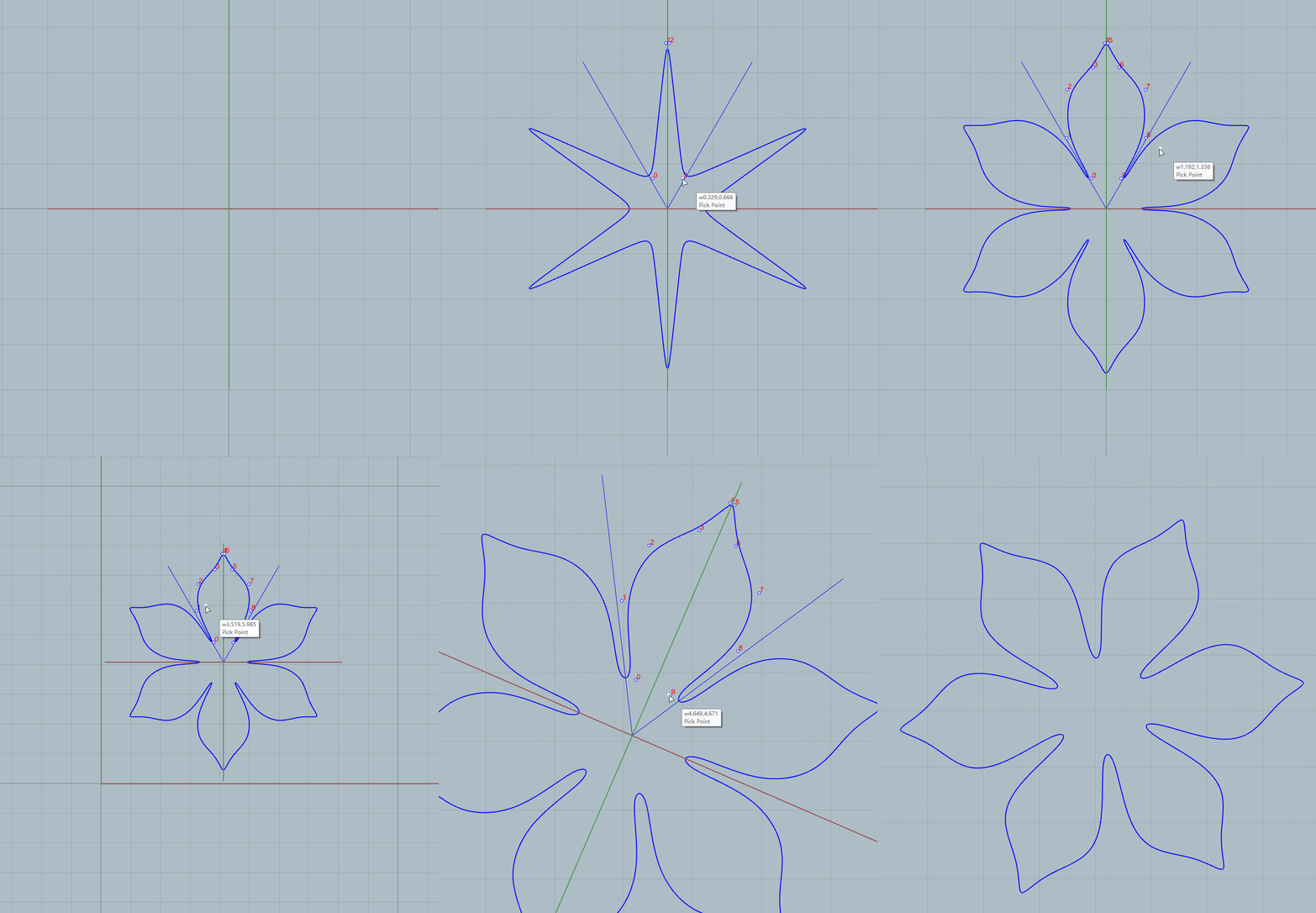
JFR's functions can help you save a lot of time at work, freeing you up to spend more time thinking creatively.

A rich variety of rapid prototyping components helps users quickly build complex model structures.

Real-time adjustment and preview! Optimize and adjust models on the fly, boosting design efficiency.

Grasshopper offers a wealth of components related to jewelry setting,

No manual assembly – JFR pre-built components with open parameter adjustments, ready instantly.
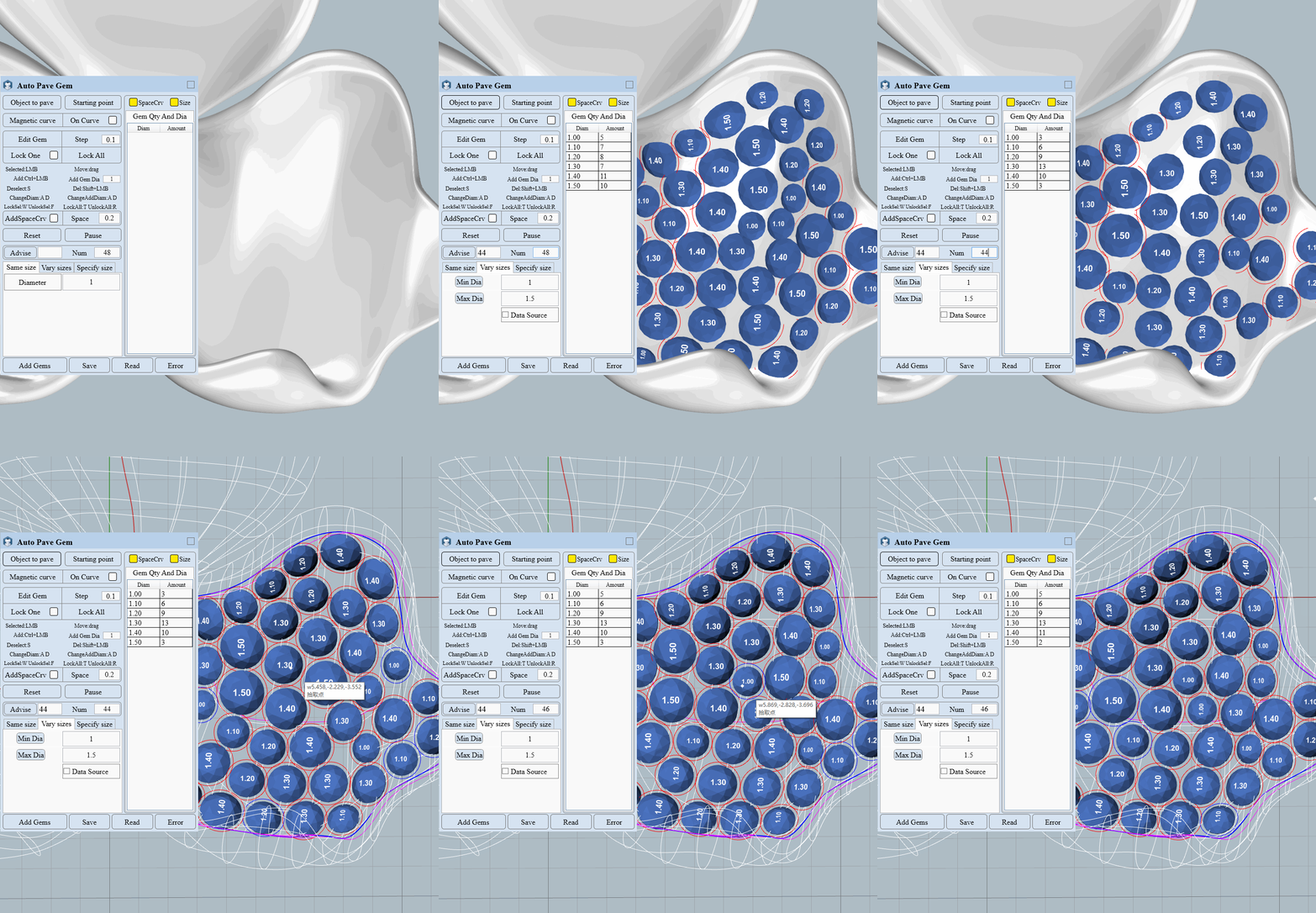
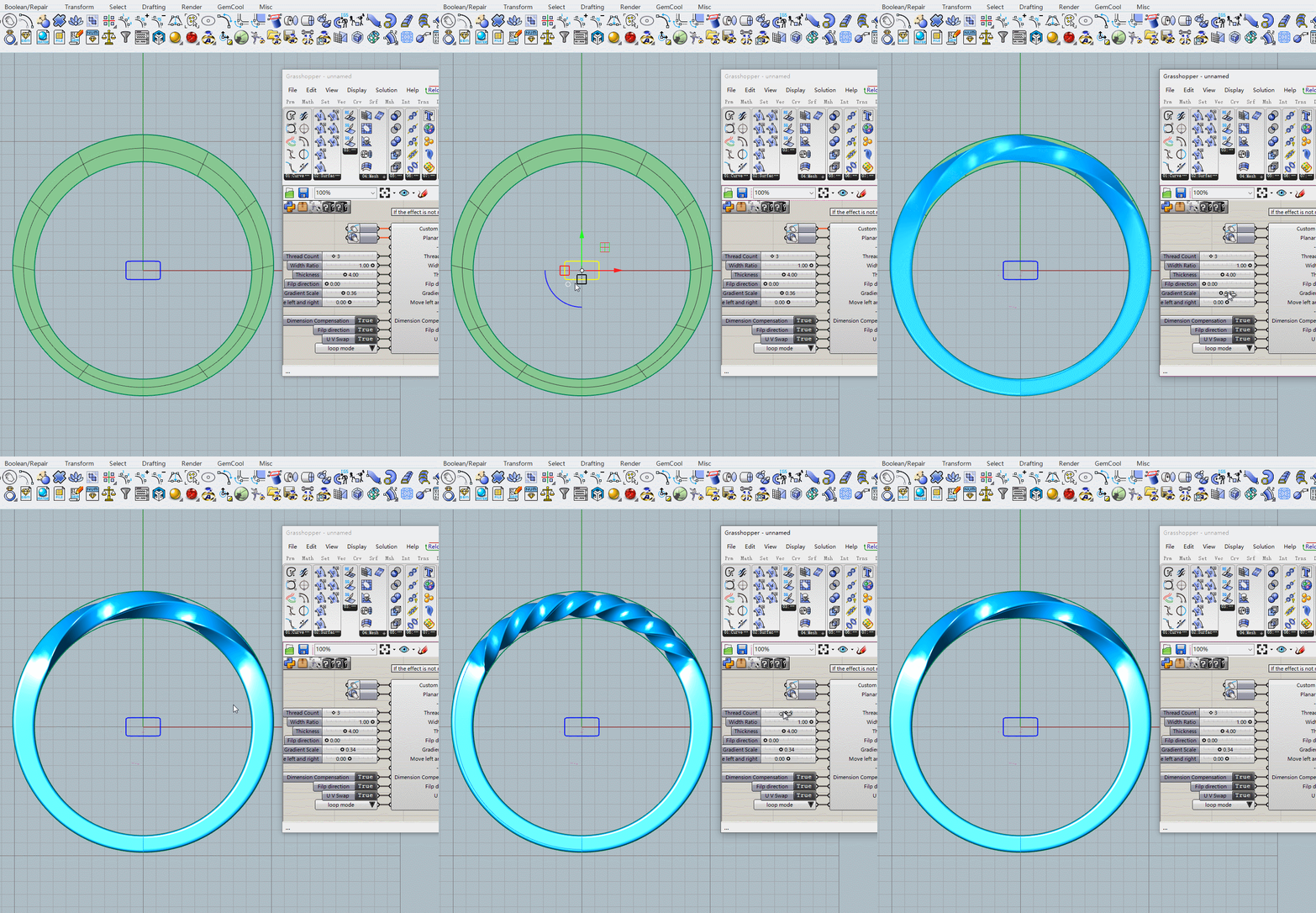
Rich JFR functional components – customize, assemble modules independently, flexibly adapt to work needs.

A rich variety of rapid prototyping components helps users quickly build complex model structures.

Real-time adjustment and preview! Optimize and adjust models on the fly, boosting design efficiency.

Grasshopper offers a wealth of components related to jewelry setting,

No manual assembly – JFR pre-built components with open parameter adjustments, ready instantly.
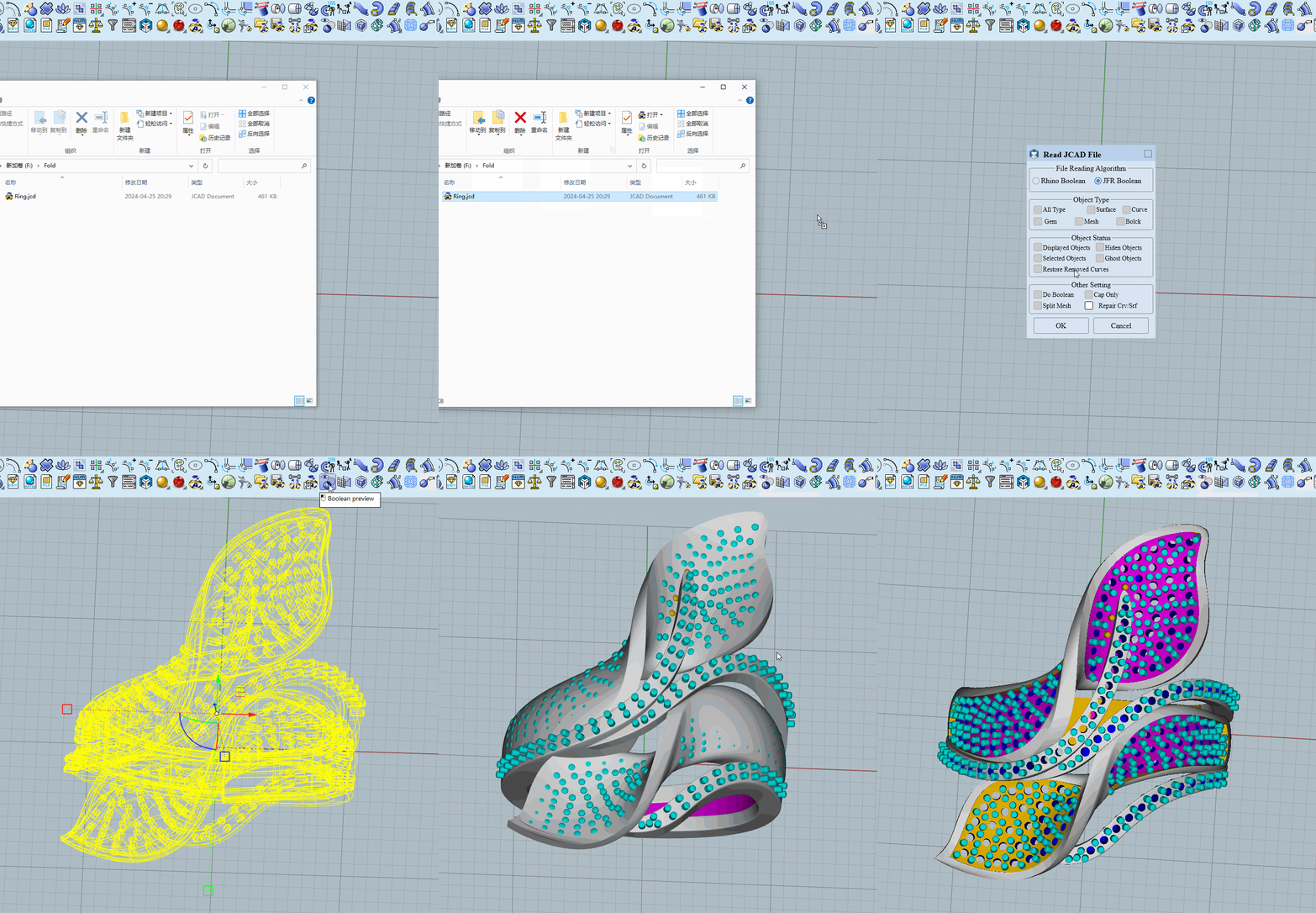
JFR Boolean solves the problem that Rhino Boolean always fails, using JFR Boolean can be 100% successful!

JFR reads and saves Jewelcad files in their entirety, making it easy to reuse old files and 3D print.

View Boolean results in real time, no more iterative Booleans.

Whether it's a surface, mesh, or self-intersecting object, Boolean is unobstructed.

Boolean can be restored gradually, not all at once.
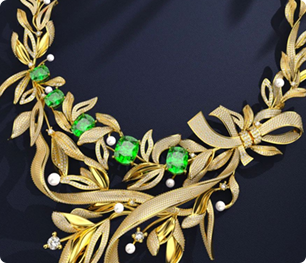
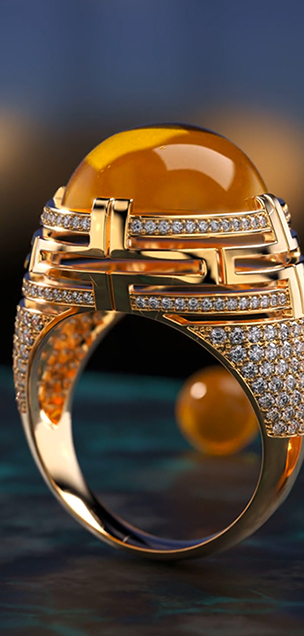
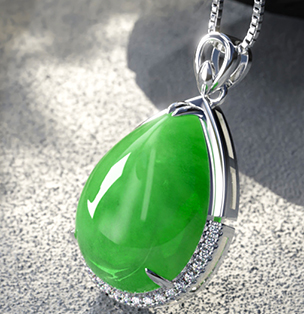
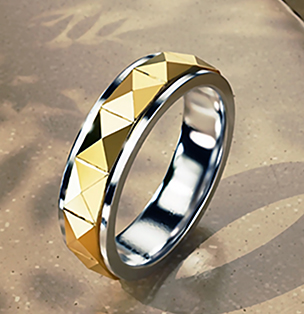
RhinoJFR makes designing seemingly complex styles especially easy, and even novice modelers can easily learn to use its features to make completions several times more efficient. Here's a collection of JFR users' work.